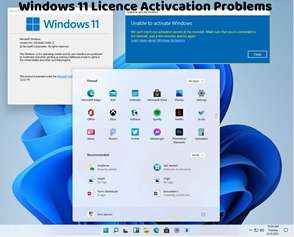
How to Check if Windows 11 is Activated
Ensuring that Windows 11 is properly activated is essential for accessing all features and receiving updates from Microsoft. Here are several methods to check if Windows 11 is activated on your device:
Settings App:
Open the Settings app by clicking on the Start menu and selecting the gear icon.
Go to Update & Security > Activation.
Look for the activation status under the "Activation" section. If Windows 11 is activated, you'll see a message indicating that it's activated with a digital license.
System Properties:
Press Win + Pause/Break to open the System window.
Scroll down to the "Windows activation" section. Here, you'll find information about your Windows activation status, including whether Windows is activated and the edition of Windows you're using.
Command Prompt:
Open Command Prompt as an administrator by right-clicking on the Start menu and selecting "Command Prompt (Admin)."
Type the following command and press Enter:
bash
Copy code
slmgr.vbs /xpr
A message will appear indicating whether Windows is permanently activated.
PowerShell:
Open PowerShell as an administrator by right-clicking on the Start menu and selecting "Windows PowerShell (Admin)."
Enter the following command and press Enter:
sql
Copy code
Get-WmiObject -query 'select * from SoftwareLicensingService' | Select-Object OA3xOriginalProductKey
If Windows is activated, you'll see your original product key.
Control Panel:
Open Control Panel by searching for it in the Start menu.
Navigate to System and Security > System.
Look for the activation status under the "Windows activation" section.
Activation Troubleshooter:
If you're experiencing activation issues, you can use the built-in Activation Troubleshooter to diagnose and fix common problems. Go to Settings > Update & Security > Activation, then click on "Troubleshoot" to run the troubleshooter.
By using these methods, you can easily check if Windows 11 is activated on your device. If Windows isn't activated, you may need to obtain a valid product key and activate Windows to access all features and receive updates.